
Please go to Settings > Targeting > Visitor targeting rules and click on the + Add Rule button under Hide for. Select Languages from the dropdown list.
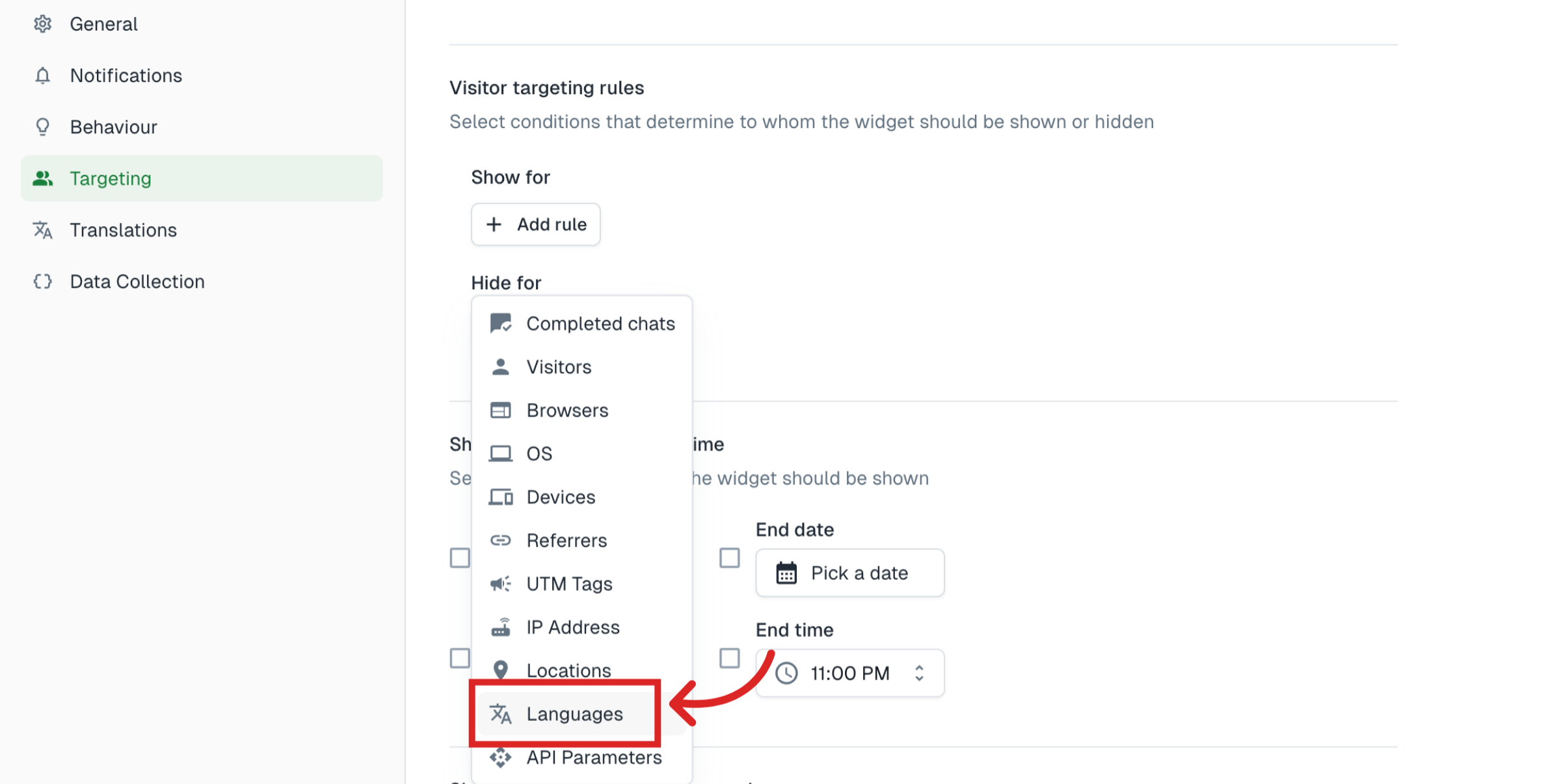
In the above example, we added a rule under Hide for. The form will be hidden for users whose browser language is set to the languages listed above.
The same rule can be added under Show for as well.
Note
This setting is only available for the form when it is used as Widget. It is not applicable when used as Embed or Link.
Tip
Don't forget to publish your changes before testing.
Was this article helpful?
Still need help?
Contact us