
Stripe allows you to collect payments directly through your form using credit and debit cards.
You will need a Stripe account to enable this payment method.
Click
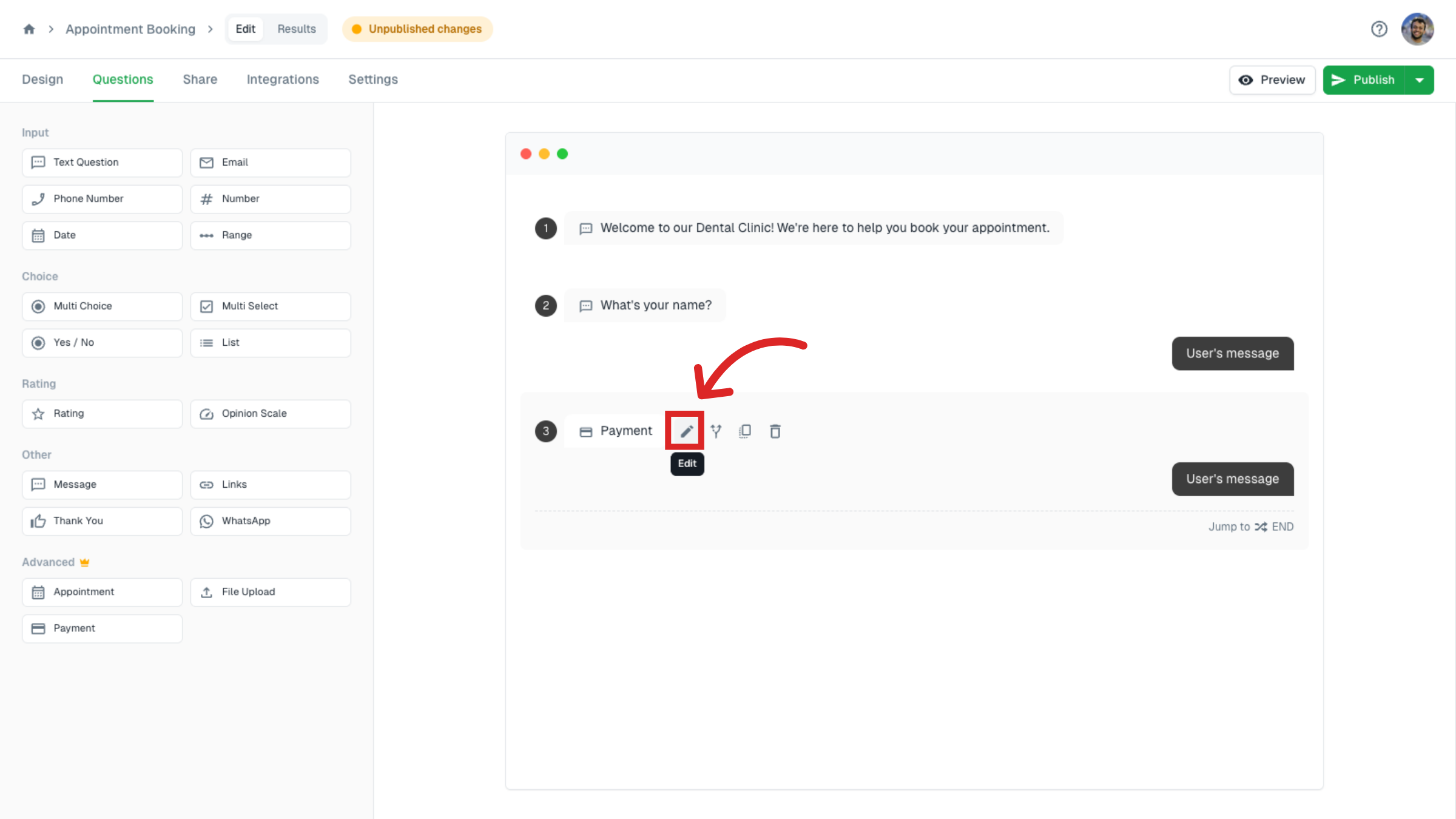
Click or drag & drop the Payment type inside Questions.
Edit
Click on edit to customize.
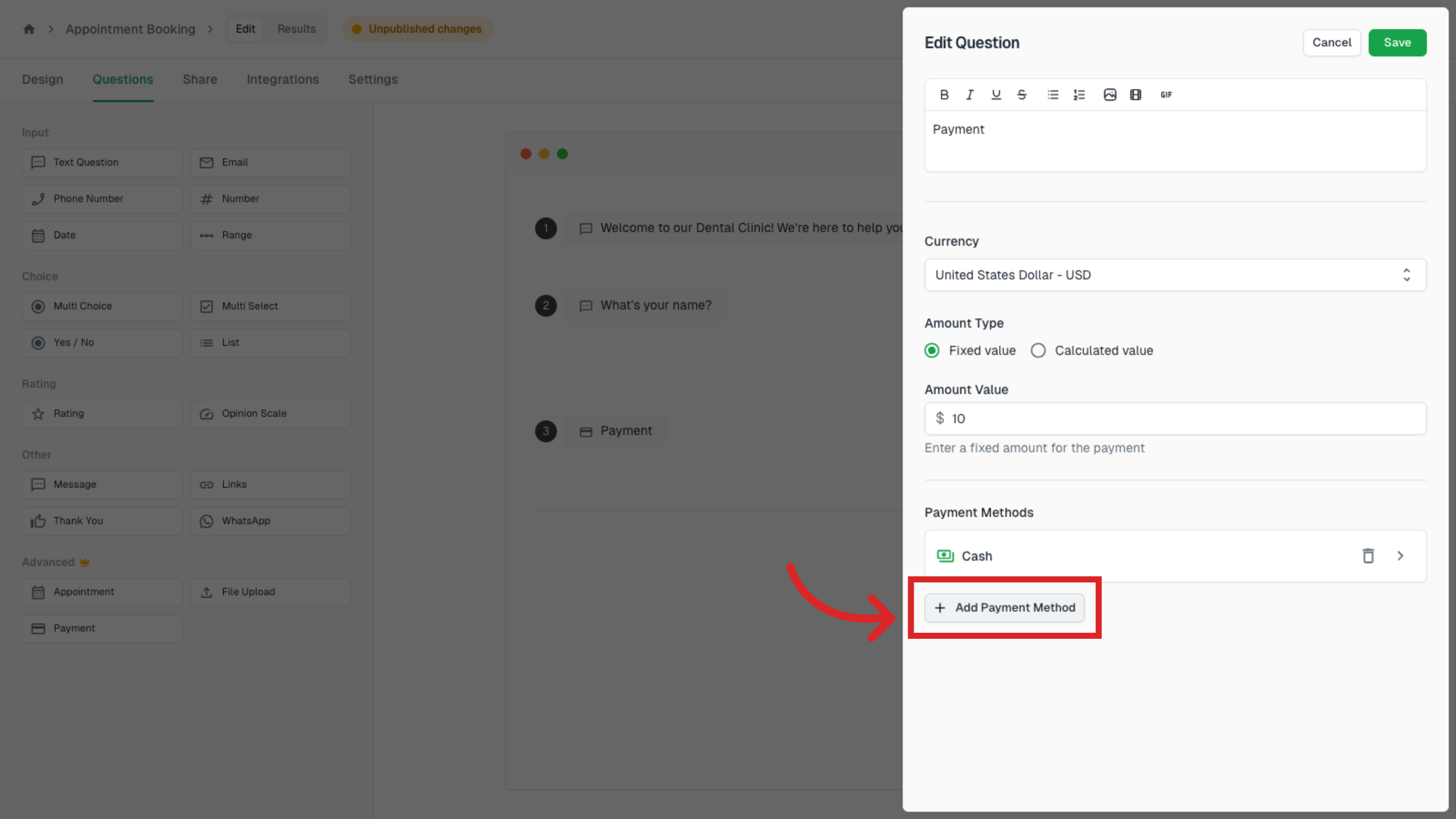
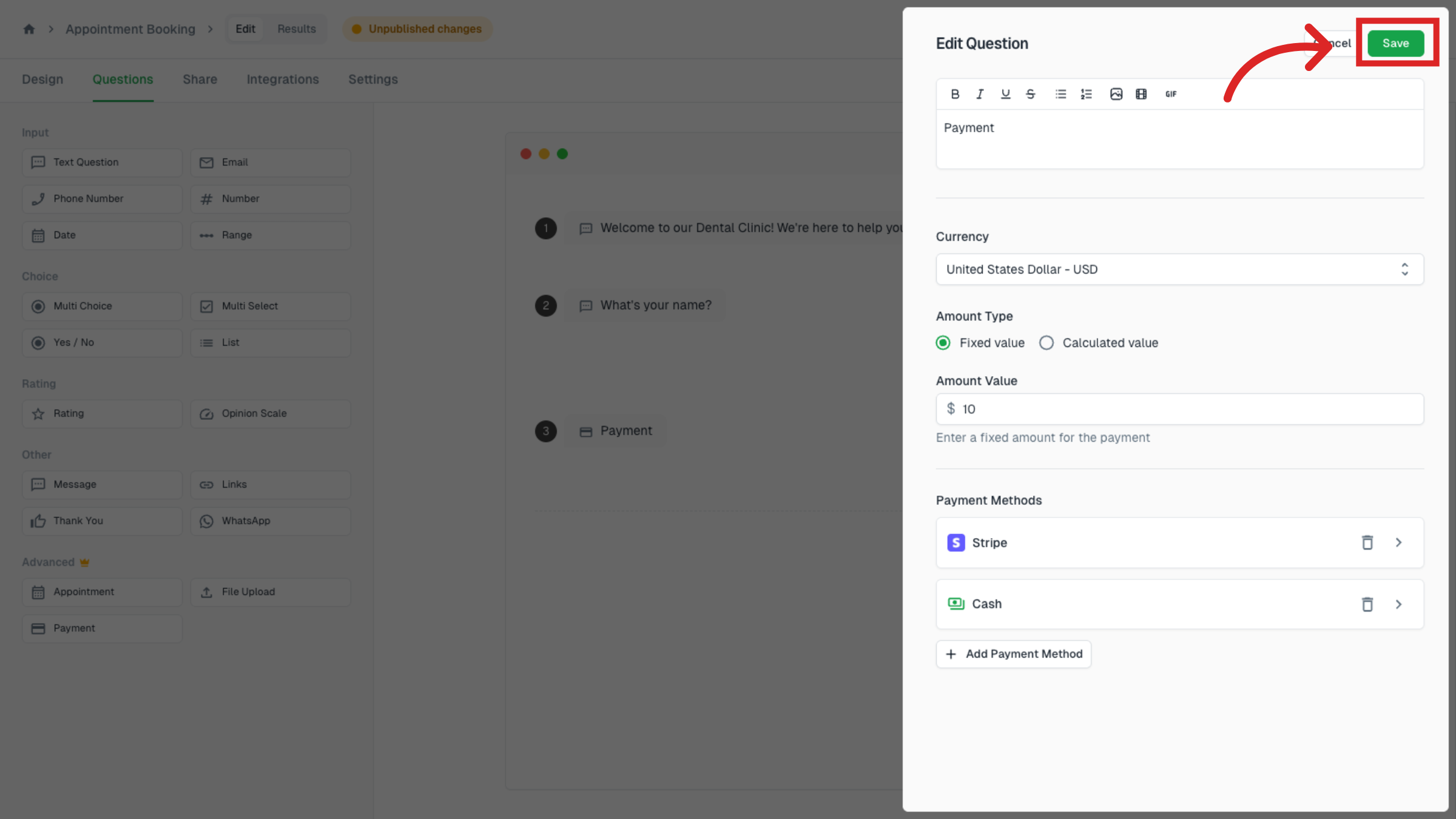
You can select your preferred currency and set your Amount type.
Note
Make sure the selected currency is supported by Stripe.
Click on Add Payment Method.
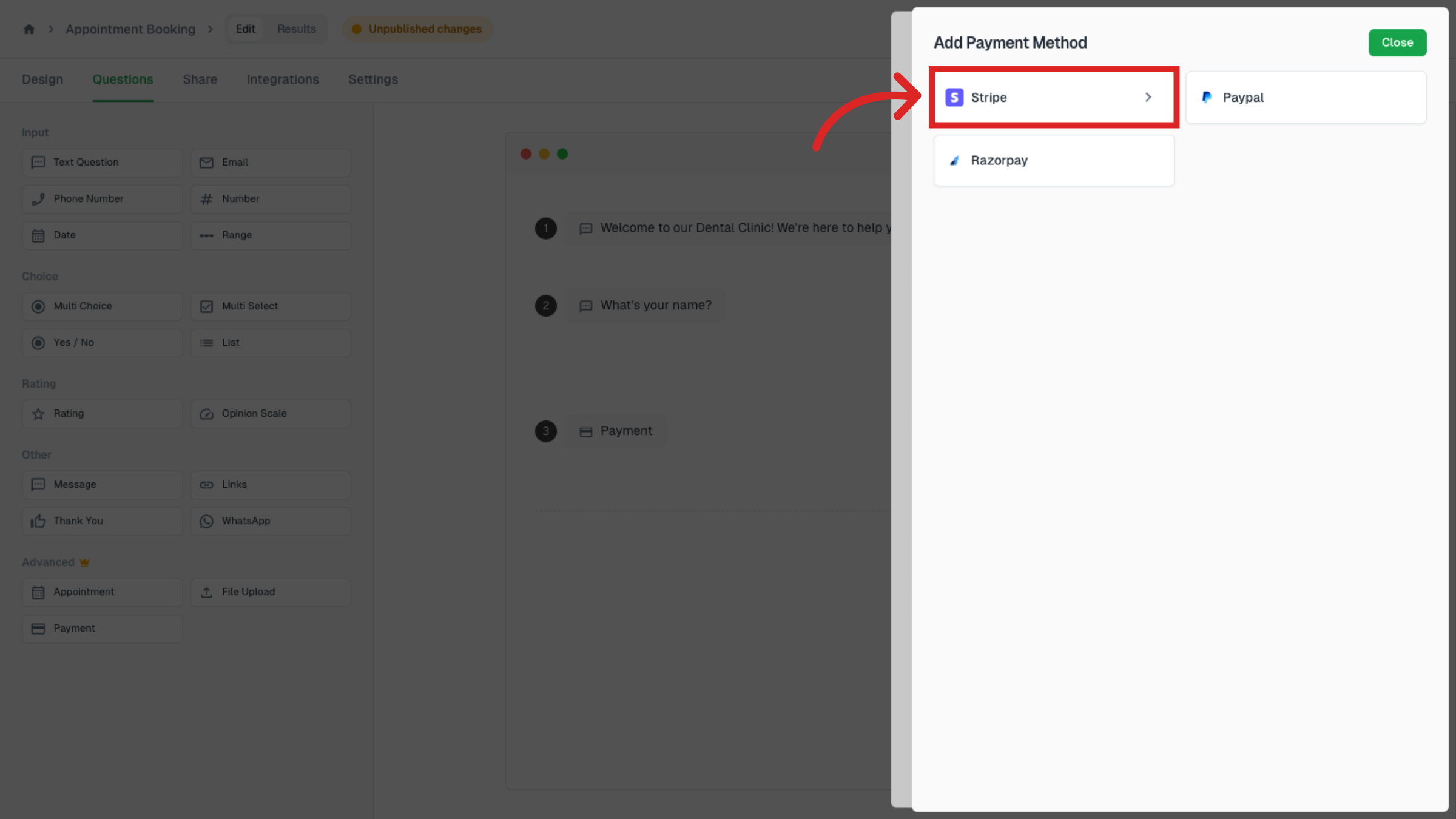
Select Stripe from the available payment options.
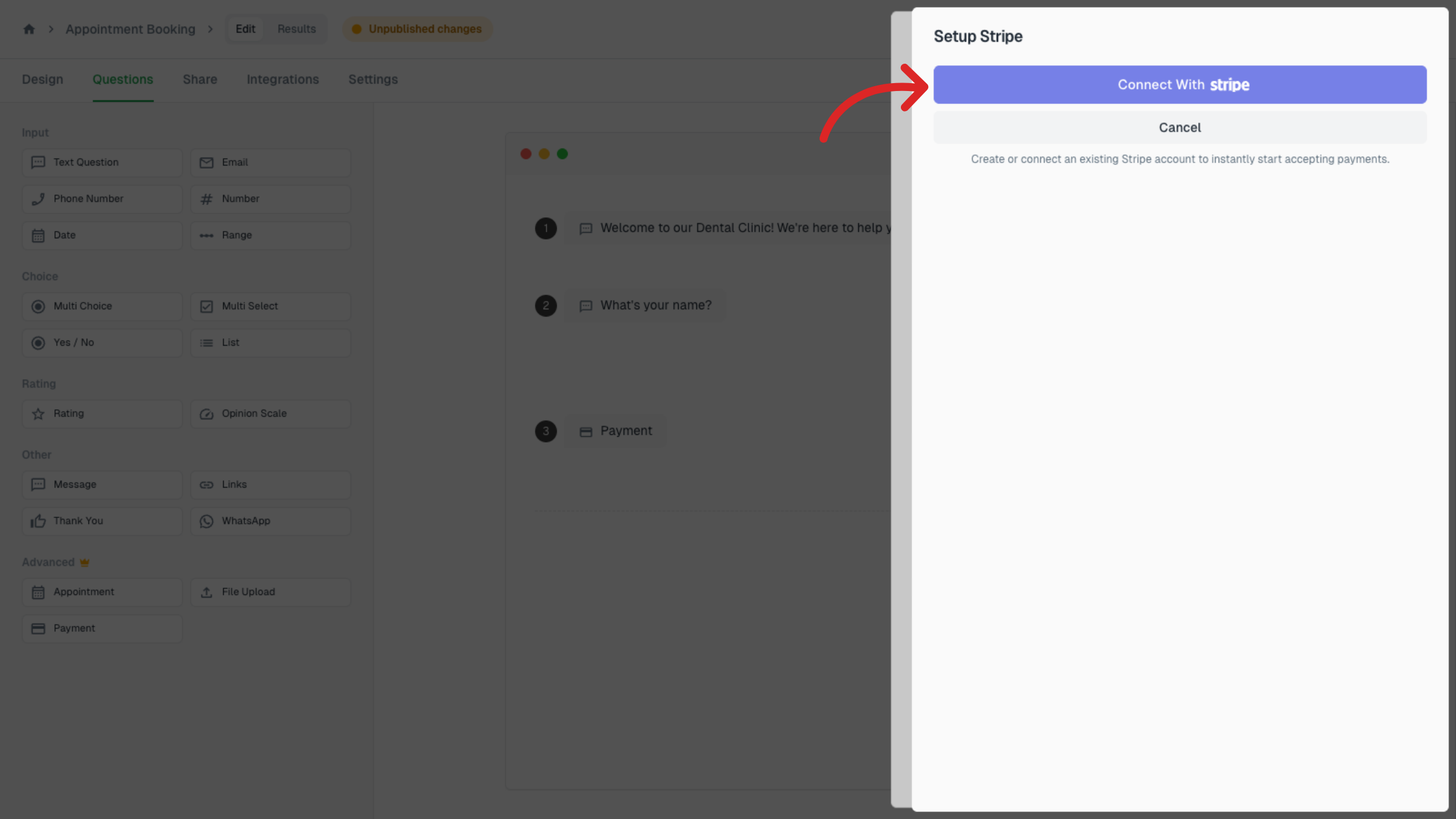
Click on Connect with Stripe, log in to your Stripe account, and complete the setup.
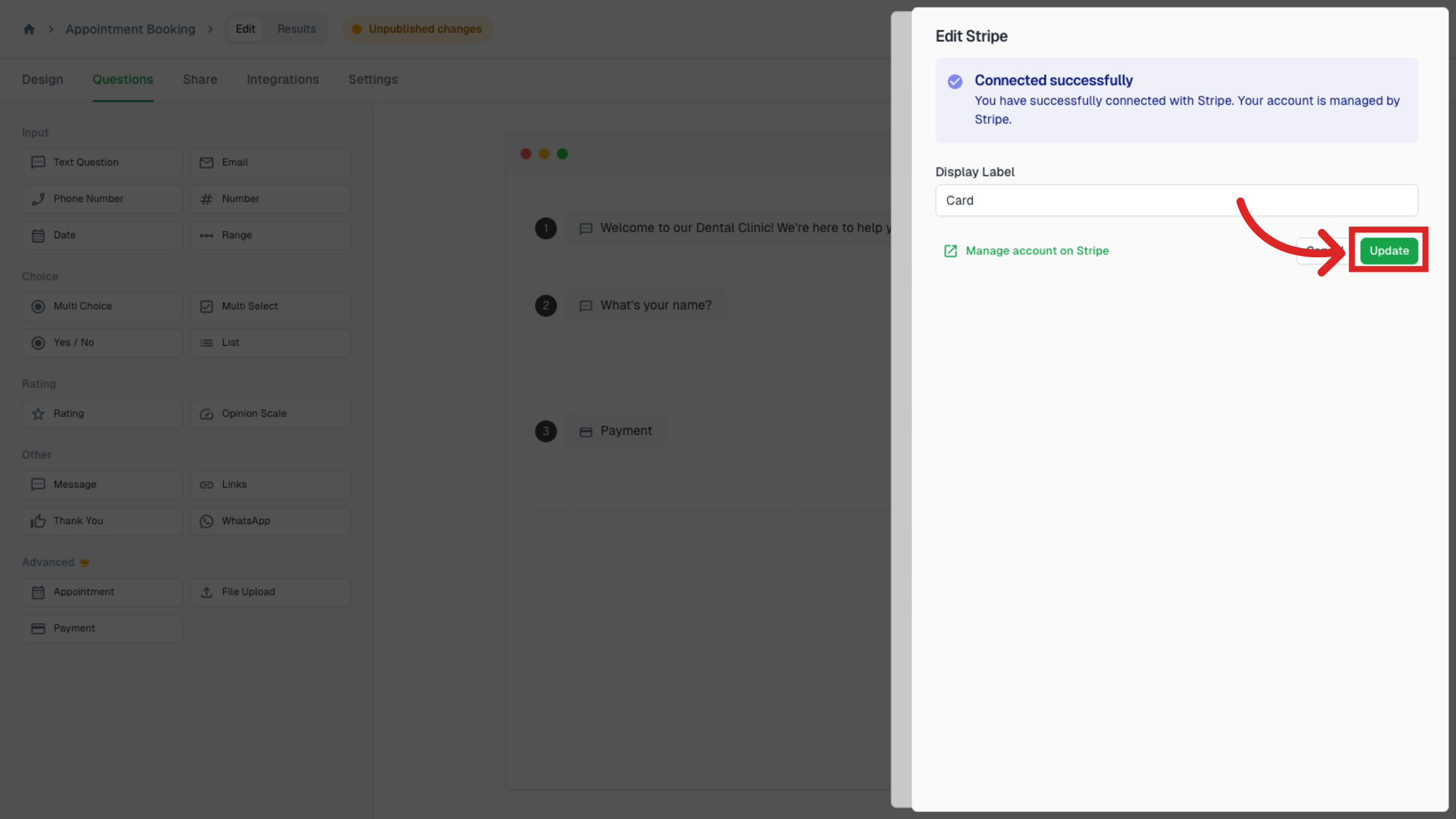
After completing the setup, you’ll be redirected back and see a Connected successfully message.
You can change the display label for the Stripe payment method and click on Update.
Click on Save.
Check
Click on preview and verify that Stripe appears as a payment option.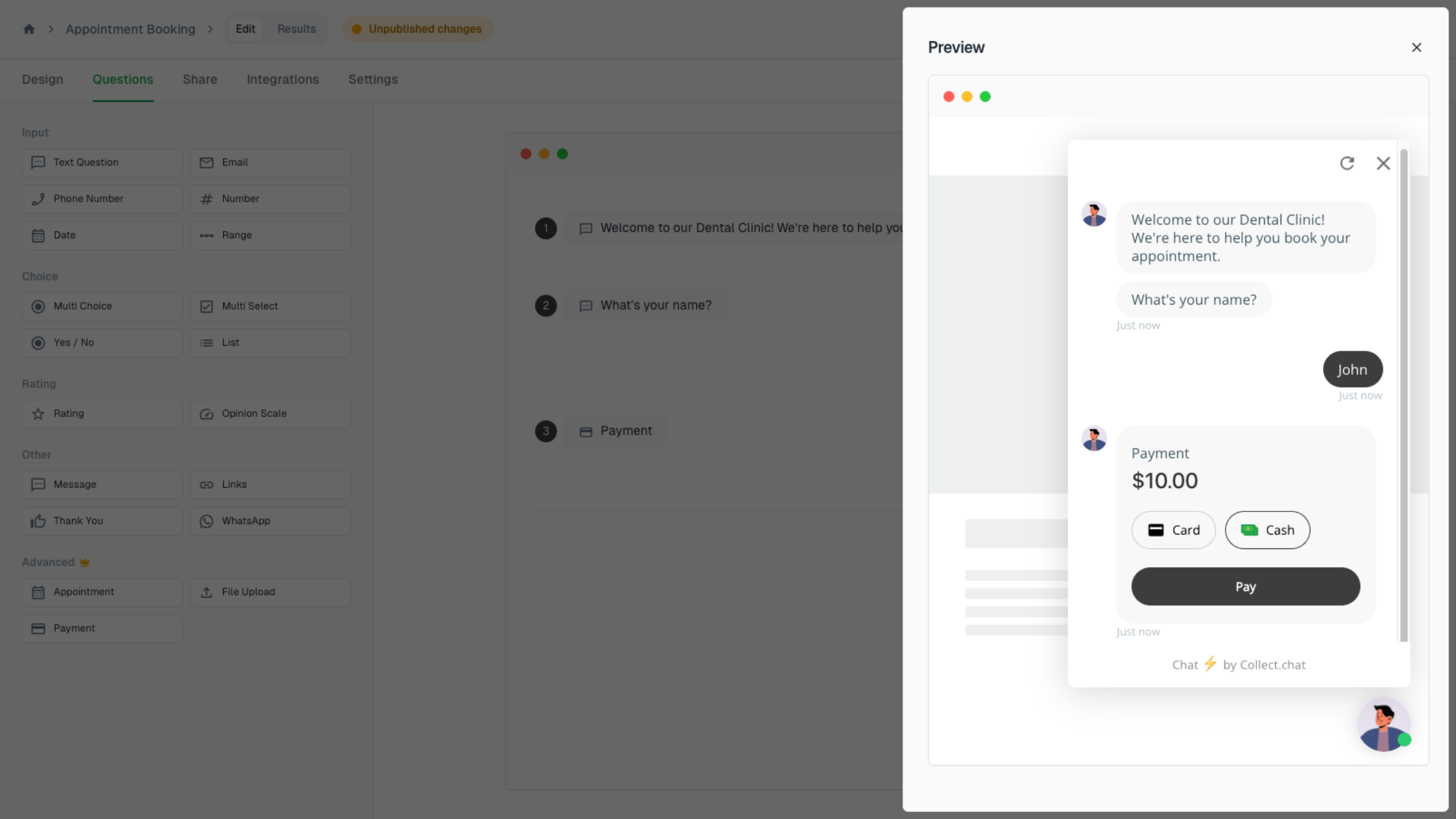
Still need help?
Contact us